


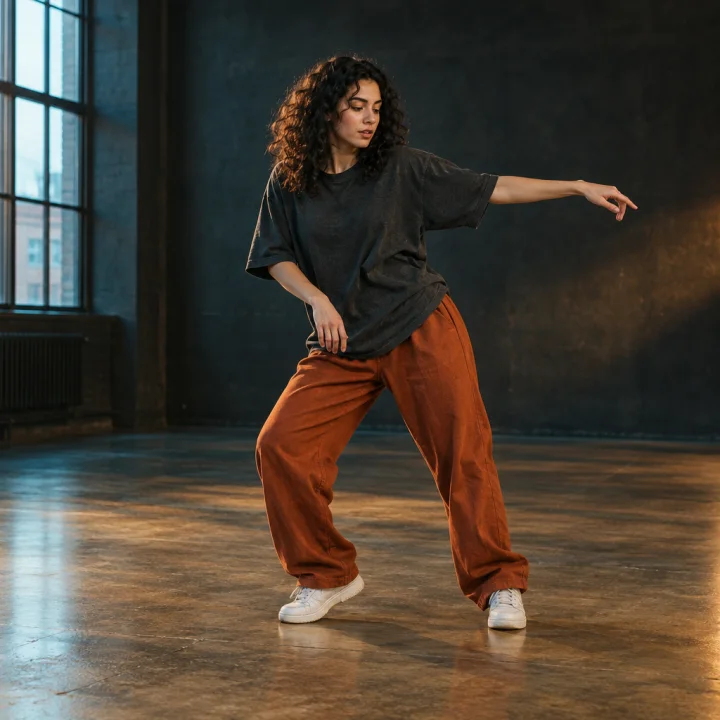
DANCE
Dance clips
Place a new lead in a short dance clip. Pick a clear performer and an easy-to-follow section.
Replace the main character in a video with your photo. Upload a clip or choose a template, select a moment, and create your body swap video.
Each template provides a source video. Pick a clip below, or upload your own in the workspace above.
CREATIVE POSSIBILITIES
Take a short performance clip and put someone new in the leading role.
DANCE
Place a new lead in a short dance clip. Pick a clear performer and an easy-to-follow section.
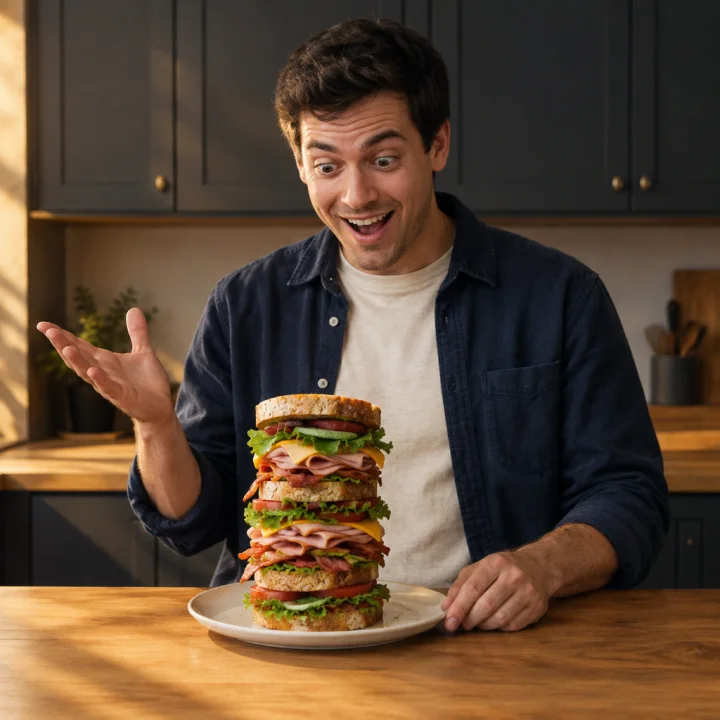
SOCIAL
Recast a playful reaction or gesture for a personal meme or short post.
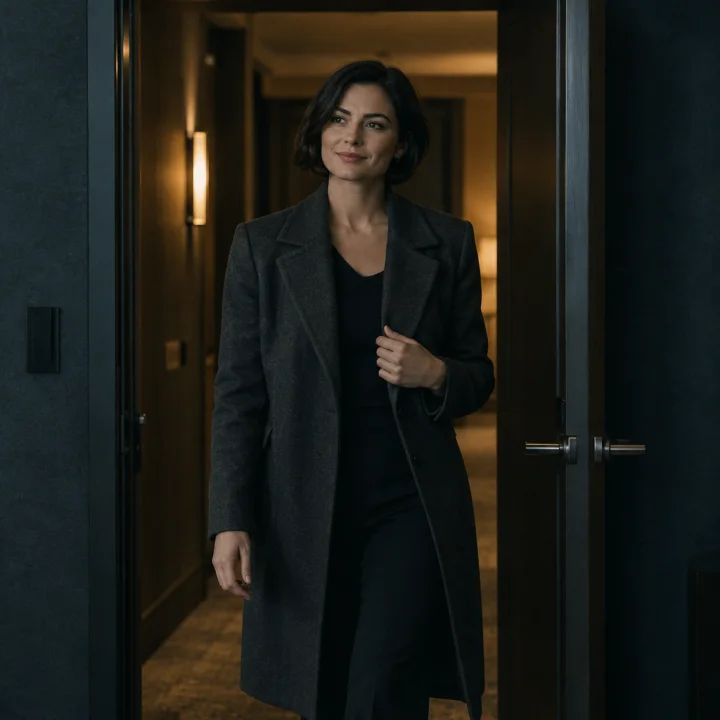
SCENES
Cast a different lead in a simple acting moment, pose, or character entrance.
Illustrative scenes, not generated body swap results.
THREE STEPS
Upload an MP4 or select a template. Use a video with a clear main character.
Upload one clear photo of the person. Choose a 2–15 second moment from the video.
Set the aspect ratio and audio, check the credit cost, then generate. Download your video as an MP4.
PHOTO & VIDEO GUIDE
PHOTO
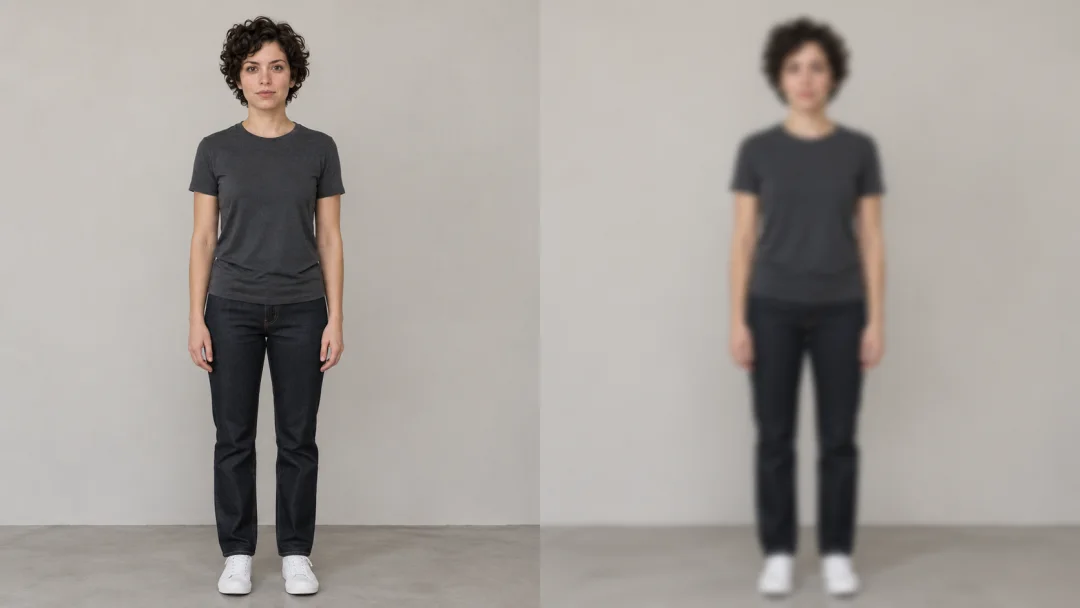
Avoid: blur, hidden faces, group photos.
VIDEO
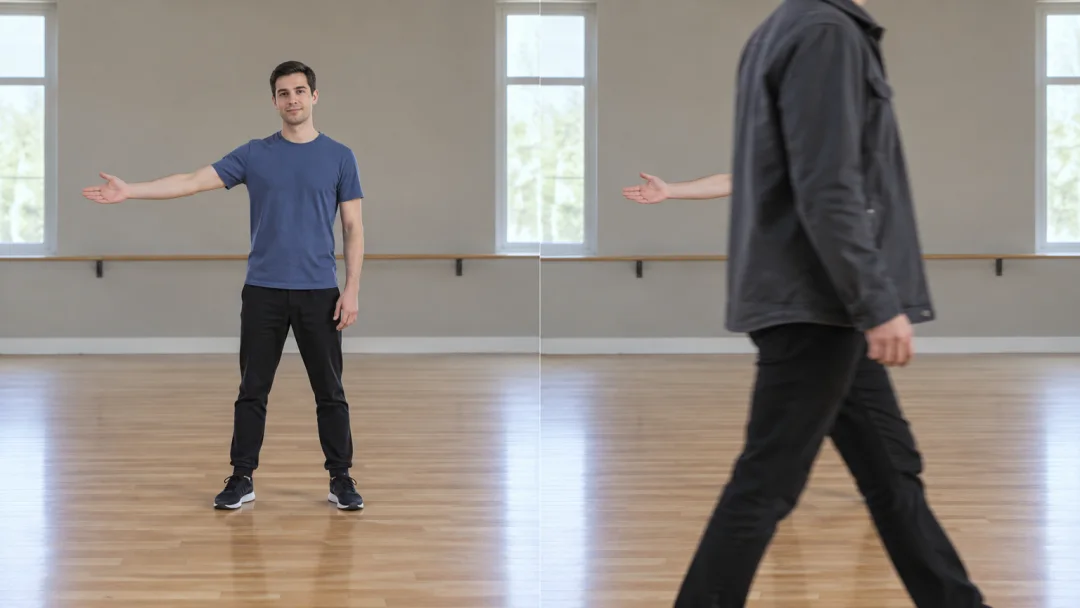
Avoid: rapid cuts, motion blur, people crossing in front.
YOUR INPUTS
VIDEO MP4 with a clear main character
PHOTO JPEG or PNG, with a clearly visible face
UPLOAD LIMIT Video and photo combined: up to 30 MiB
Select the part of the source video you want to remake.
Choose 9:16, 16:9, or 1:1, with optional original audio.
The AI aims to retain motion and scene. Identity, clothing, and body details can vary.
10 credits per second · A 5-second clip costs 50 credits. Check your clip length and credit total before generating.
New users receive 30 credits — enough for a 3-second clip. Buy a credit pack when you need more.
A body swap video replaces the main character in a source clip with the person from your photo. SwapAE uses the clip to guide motion and scene details, and results can vary.
Face swap typically replaces only the face area. Body swap uses a source video and a person’s photo to remake the main character in the scene. It does not guarantee an exact match for body shape, clothing, or every detail.
Yes. Upload an MP4 in the workspace, or choose a template as your source video. Then upload one person’s photo and select the moment you want to generate.
Use an MP4 video with a clear main character and a sharp JPEG or PNG photo of the person. Keep the video and photo combined at 30 MiB or less. Only upload media you have permission to use.
Select a clip between 2 and 15 seconds from the source video. The selected duration determines the credit cost: 10 credits per second.
Yes. Turn on Keep original audio before generating. You can choose 9:16, 16:9, or 1:1 for the output and download the generated video as an MP4.
Credits are charged only when generation succeeds. Failed runs are not charged, and credits are not refunded if a completed result does not meet your expectations.
Your uploads are stored and sent to our video generation provider to process your request. Upload only media you have permission to use, and review the Privacy Policy before submitting personal content. Privacy Policy
READY FOR YOUR NEXT CLIP?
Upload a source video and a photo, pick your clip, and see the credit cost before generating.
Create Your Body Swap Video